











Skip to content

Feature · Live stream

Live streaming and replays available

Interactive video conferencing, recordings, and multi-platform broadcasting

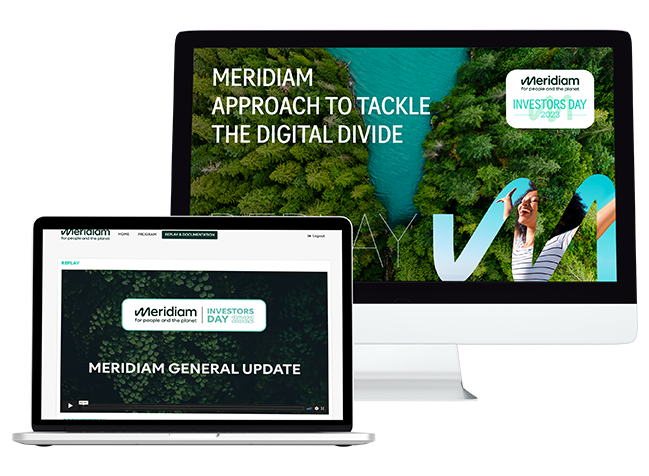
Desktop and laptop screens displaying the Meridiam Investors Day 2021 event: the monitor displays the title "Approach to Tackle the Digital Divide" and the laptop shows a replay of a session entitled "Meridiam General Update."

Turn your events into an immersive CloudTV experience.

Captivate your audience with smooth, interactive broadcasting that is fully integrated into your brand universe.

Broadcast your events live and on replay with our online control room. Create hybrid events that reflect your image and reach an international audience, even in China.

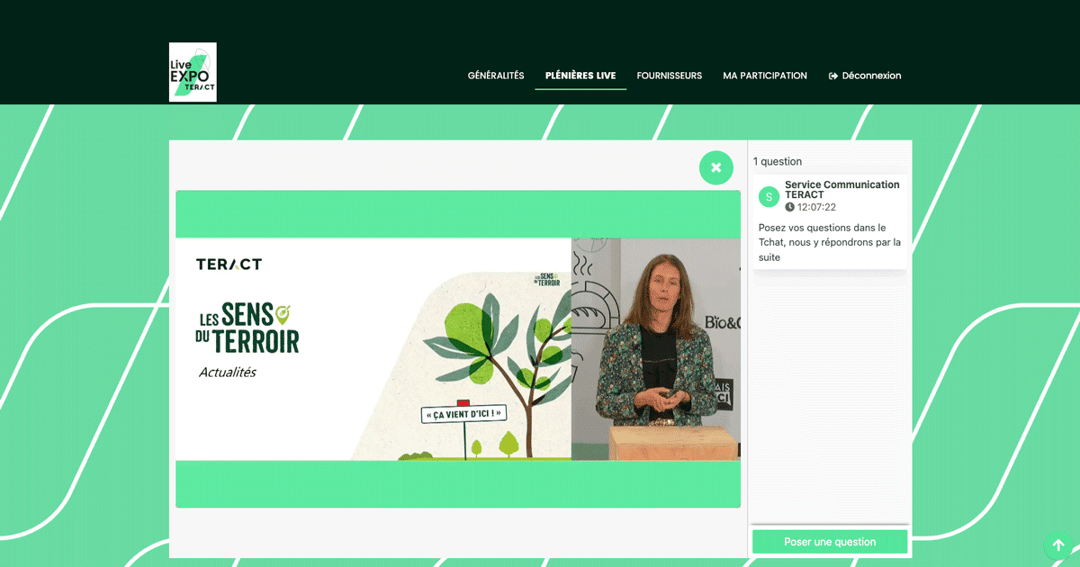
Forget the pile of links, connection problems and dropped streams. With our CloudTV technology, your attendees enjoy a continuous, personalized, low-latency video stream that brings in your preferred video conferencing tools and advanced interactivity modules, all in a single, beautifully designed interface.

I'd like a demo of the online control room for my events

Continuous broadcasting without interruption

Zero-click convenience for your participants (simplicity & UX)

Your attendees no longer have to navigate between different pages or click new links to follow their agenda.

With AppCraft's CloudTV, the stream is continuous (it switches on its own) and sessions follow one another automatically in a single interface, just like a TV channel.

Learn more

The viewing experience is 100% seamless, which drastically reduces drop-off (churn) between two sessions.

You keep their attention by removing all technical friction from navigation.

  • AppCraft offers a built-in player within the event mobile app or your platform to engage and retain your audience throughout the event.
  • live sessions, webinars, committees and sub-committees follow one another without refreshing the browser
  • just like on TV, your programs run back to back according to your running order
Create memorable digital events
Continuous broadcasting without interruption

Total "Seamless" immersion

Native integration for a unified design.

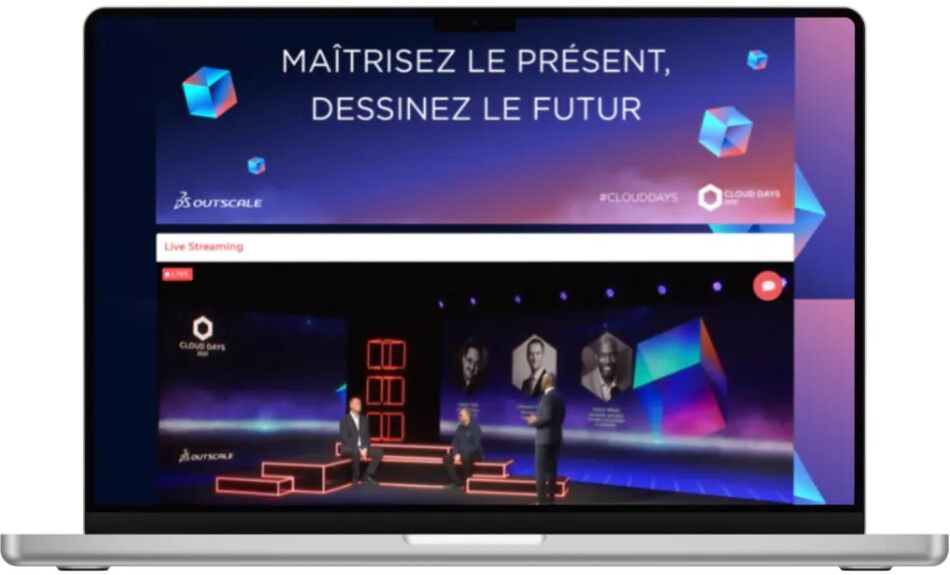
We don't just open an external window. Whether it's a webinar, a studio stream or a "simulated live", the video player is fully embedded in your event's interface.

Attendees stay in your visual environment from start to finish, which supports brand immersion. The experience is completely seamless: design, colors and ergonomics stay consistent between the agenda, the live stream and the interaction tools. This strengthens your professional image and avoids the sense of a technological patchwork often felt with external iframe integrations.

Learn more
  • Dynamically activate our interactivity modules and run live polls with your viewers/employees
  • Accessible to everyone: whether you're a beginner or an expert, our module simplifies managing your digital events.
  • Ultra-low latency: enjoy optimal responsiveness for your live streams and real-time interactions.
  • Built-in live control room: "auto-refresh" module for automatic, smooth transitions between sessions and workshops.
  • Everything you need to deliver an engaging, professional experience to your audience.
Run your international events
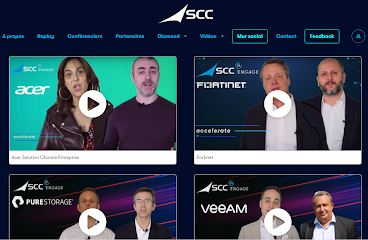
AppCraft interface showing the page of an international event for SCC. Four partner videos, presenting collaborations with Acer. The interface illustrates AppCraft's ability to handle worldwide event streaming while simplifying logistics and reducing environmental impact.

Technological Flexibility & Global Distribution (including China)

Adapt technology to your needs, without limits.

Whether you use Zoom, Teams, Vimeo, YouTube or a professional production feed (RTMP), AppCraft fits into your ecosystem with no constraints.

Choose your format: from a simple interactive webinar to a broadcast studio production, including the "simulated live" (pre-recorded content streamed as if live), we adapt to your budget and constraints.

What's more, thanks to our partners, we guarantee stable, high-performance streaming even for your attendees in China, getting around the usual local firewall blocks.

Learn more
  • Share your event with the whole world and make every event a global success
  • Reach an unlimited number of attendees, wherever they are.
  • Offer on-demand replays and let your audience watch your content whenever they like.
  • Multiply your impact: every live stream becomes lasting content that keeps shining after the event.
  • Build awareness and get your message to a wider audience with our streaming solution.
Manage your live streams and simultaneous feeds directly from AppCraft

Precise guidance for personalized journeys

A unique program for each participant.

Don't broadcast the same content to everyone. With AppCraft's advanced conditioning, each attendee accesses, through their CloudTV, only the sessions relevant to their profile (VIP, press, employees), ensuring confidentiality and relevance of information.

On the organizer side, the back-office control room lets you orchestrate the live broadcast and manage session visibility in real time with striking simplicity (smooth parallel video "tracks" for different groups).

Learn more
  • Run your live video production
  • Manage your live stream launches directly from the AppCraft back office
  • Monitor your streams
  • Manage several simultaneous live feeds depending on your audiences
Engage your audience with a built-in player
Precise guidance for personalized journeys

Turn spectators into actors.

Interaction tools to boost your exchanges

Engage your audience instantly with quizzes, Q&A, word clouds, and polls or with our gamification module, all integrated right alongside the video stream.

On the organizer side, our back-office control room puts you in charge: decide in real time what is visible or not, moderate questions and orchestrate all the live streams without stress, with an intuitive interface designed to save you time.

You get an overview of the attendee experience so you can react on the spot, without needing to be a technical expert.

Learn more
  • Discover our interactive CloudTV
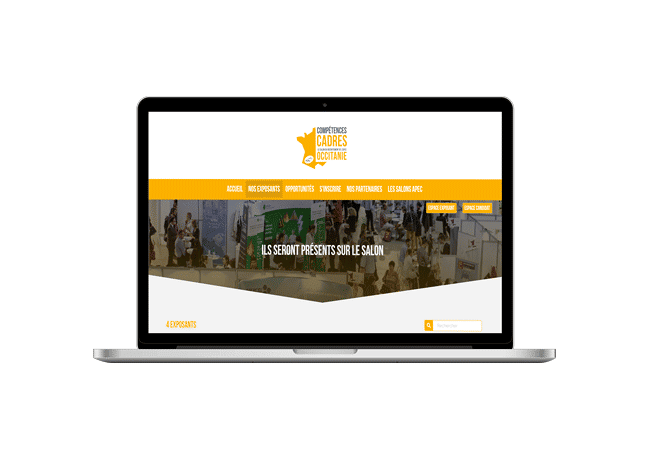
AppCraft interface for managing event live streams and replays, showing the session schedule, live stream activation, replay access and feedback tracking.

FAQ: How to Choose a Live Streaming Solution for Your Event?

How do you choose a live streaming platform for a professional event?

The choice of a live streaming platform depends on the event format, the number of sessions, the participants' locations, and the desired interactions.

For a simple webinar, a videoconferencing tool may be sufficient. However, a hybrid conference or a convention featuring multiple speakers may require a video production booth, customized access, and a schedule that includes multiple live broadcasts.

AppCraft offers a CloudTV solution that integrates video streaming, automatic session sequencing, and interactive features into a customized event environment.

What is the difference between Zoom, Teams, and AppCraft's CloudTV solution?

Zoom and Microsoft Teams are video conferencing tools that allow users to organize meetings and webinars, among other things. AppCraft's CloudTV addresses a complementary need: coordinating multiple live streams within a unified event experience.

AppCraft can integrate Zoom, Teams, Vimeo, YouTube, or professional RTMP video streams, depending on the configuration selected.

One of its key features is the automatic sequencing of sessions: participants can follow several consecutive presentations from a single interface, without having to manually open a new link each time the program changes.

How do you organize a hybrid event with multiple talks streaming simultaneously?

To organize a hybrid event featuring multiple sessions, you need to define the various video streams, access rights, and the schedule for each category of participants.

AppCraft allows you to manage multiple feeds simultaneously and customize the sessions available based on user profiles, such as employees, VIPs, or the press.

The integrated control system allows organizers to manage broadcasts from the back office and coordinate transitions between the various segments.

Participants can thus find a program tailored to their profile, whether they attend in person or remotely.

How can you make a live-streamed event more interactive?

To ensure that a digital event isn't limited to simply watching a video, it's important to allow participants to interact with the speakers.

AppCraft integrates interactive features alongside the video stream, including Q&A sessions and polls. This allows participants to engage during presentations without leaving the broadcast environment.

From the back office, organizers can manage content visibility and moderate questions. This approach is particularly well-suited for conferences, conventions, and hybrid events that aim to encourage participation from remote audiences.

What technical challenges should be anticipated when streaming an event live or on-demand internationally?

International broadcasting requires planning ahead for connection quality, latency, time zones, and any potential restrictions on access to video platforms.

AppCraft offers several streaming technologies and can rely on partners to meet specific needs, particularly when participants are located in China.

The platform also offers replays so that people who are unavailable during the live broadcast can access the content later.

Before the event, it is essential to test the streams, verify that they are accessible from the relevant countries, and have a backup plan in place in case of a technical issue.

Ready to save time on your next events?

Join the 1,500+ event planners already running their B2B events with AppCraft.

Free personalized demo · Reply within 24 hours