










Skip to content

Feature · Agenda

Navigate complex routes with absolute ease.

From simple agendas to customized multi-session schedules: offer each participant a unique, easy-to-read, and interactive program.

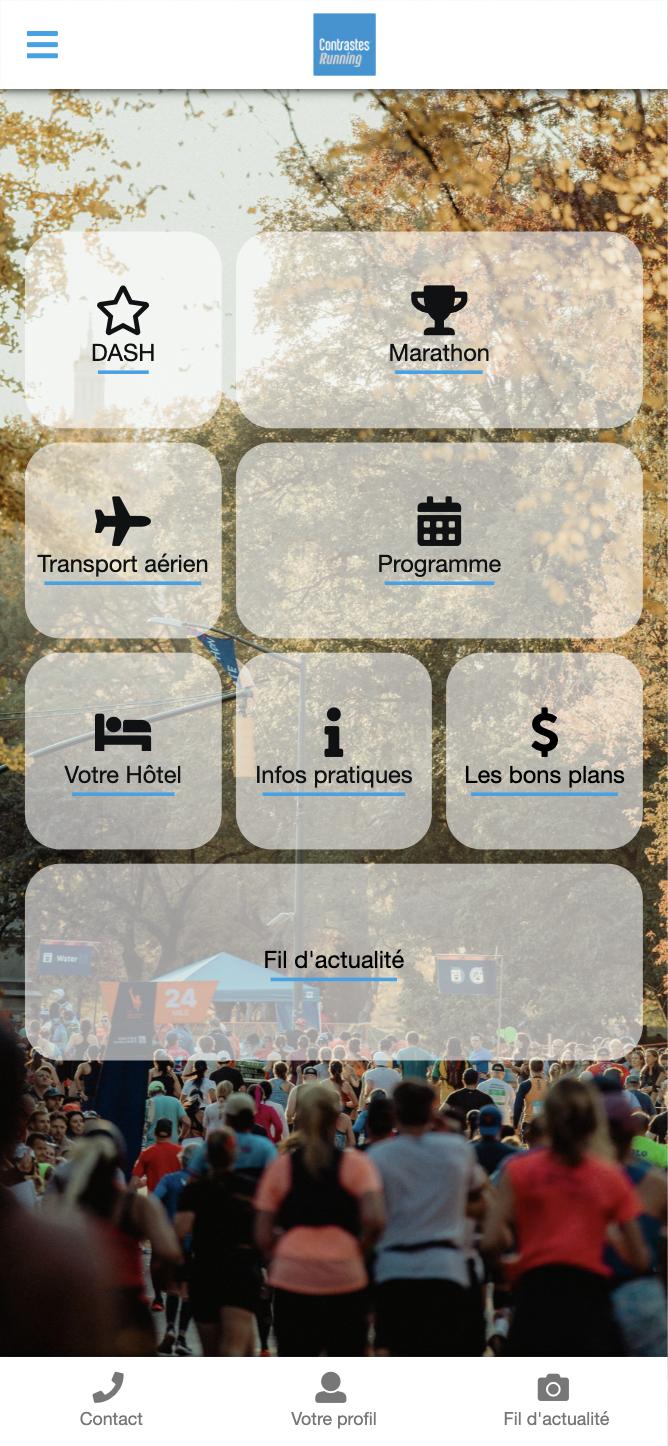
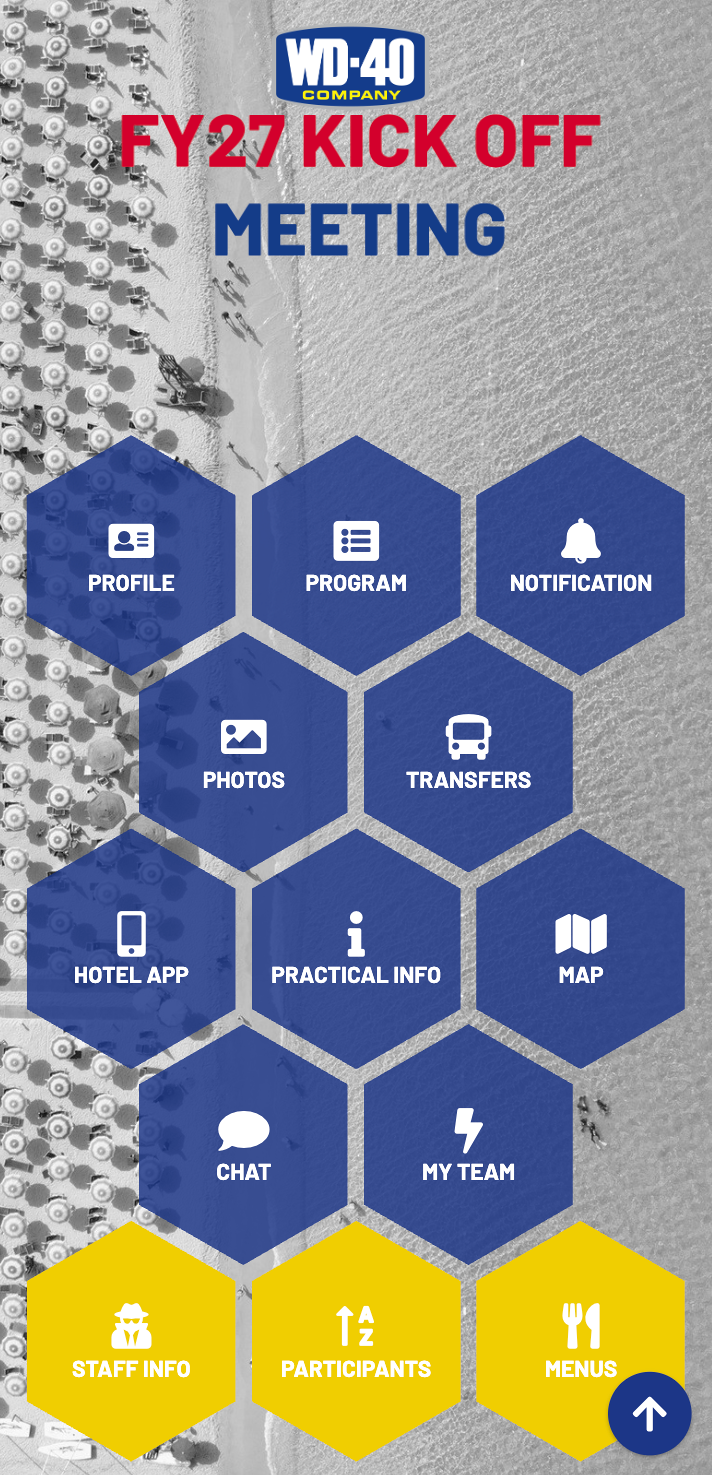
AppCraft Agenda interface: interactive scheduling of appointments and customized sessions for events.

Repeating Registrations & Workshops: Complex Logistics Simplified

Effortlessly manage quotas, duplicates, and conflicts.

Building a rich program shouldn't be a headache. Our Agenda module handles the logistical complexity for you: room capacities, scheduling conflicts, multiple time zones, and access restrictions. For attendees, it's all about a seamless experience: a tailored journey where everyone only sees what is relevant to them, complete with one-click workshop registration.

Running your "Management" workshop 4 times throughout the day? No need to create 4 separate sessions. Our native multi-session feature lets you offer multiple time slots for the same content while managing overall room quotas. Set workshops as mandatory for certain groups and optional for others. The system automatically blocks registrations if two sessions overlap, ensuring conflict-free personal schedules.

Ask for support with your agenda

One Program, A Thousand Paths: Conditioning & Targeted Visibility

Display only sessions relevant to each participant profile.

Don't overwhelm your guests with unnecessary information. Thanks to advanced packaging, you decide who sees what. The "Executive Committee" will see the VIP lunch in their agenda, while the "Sales Team" will see the Sales training. Each participant has access to a filtered and personalized view of the event, making navigation crystal clear and workshop registration much faster.

Personalize your attendees' agendas

CloudTV: Event-Based Channel Surfing

An immersive experience without reloading the page.

For your virtual or hybrid events, deliver a broadcast-style TV experience. With the CloudTV feature, the video stream switches dynamically based on the schedule and attendee choices, while the interface stays the same. Attendees can seamlessly browse between live sessions via a sleek sidebar menu—with zero page reloads, no disruptive Zoom pop-ups, and no lost connection.

Talk to a hybrid events expert

Advanced Search Engine & Dynamic Filters

Find the right content in a fraction of a second.

At content-rich events, readability is key. AppCraft includes a full-text search engine and dynamic filters (by topic, language, room). Attendees build their personal "My Agenda" by adding favorites, and can export their schedule to their own calendar (Outlook, Google, iCal) thanks to automated ICS invitations.

Try smart agenda navigation
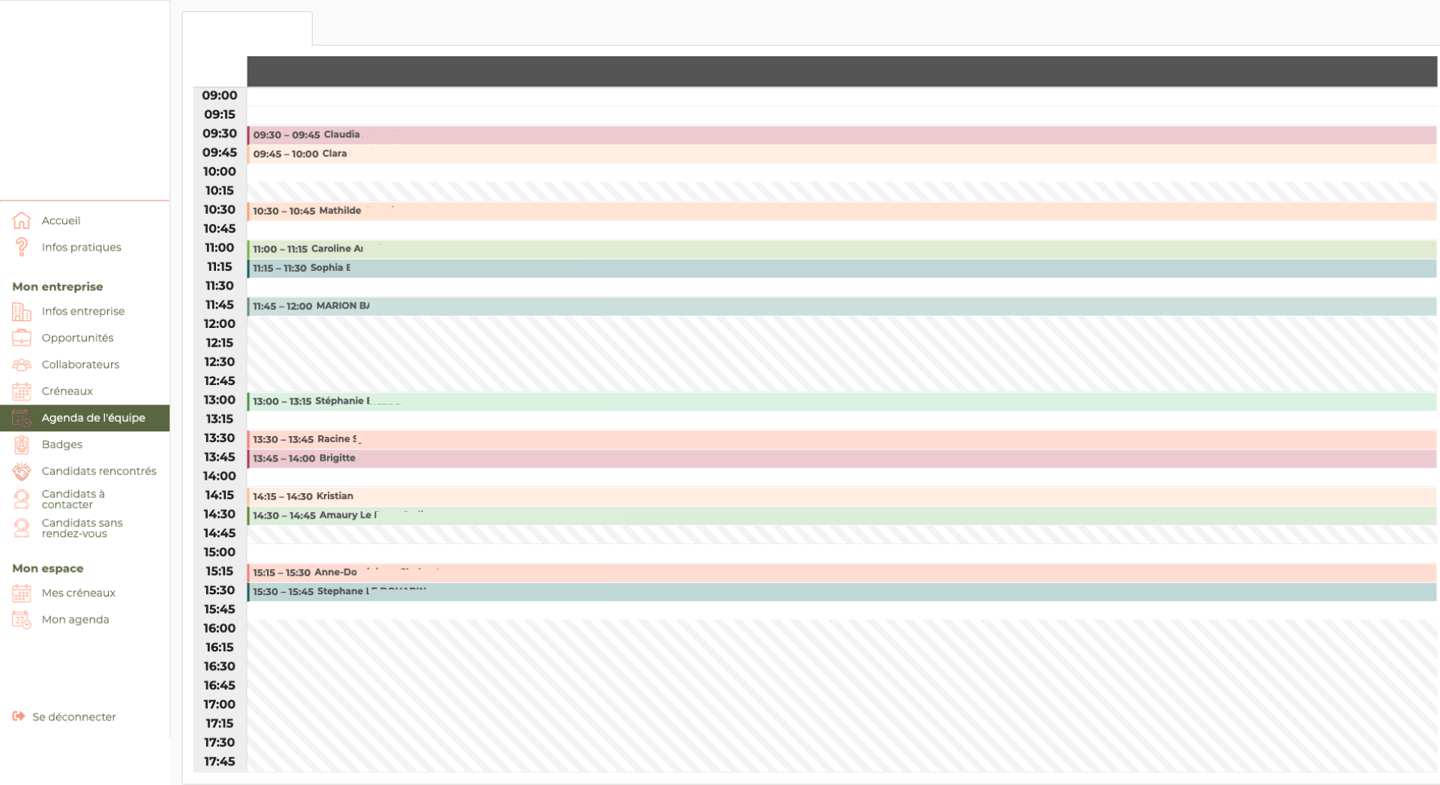
View of a team agenda on the AppCraft platform. The screen shows the hourly schedule of several team members with colored slots identifying individual meetings.

Hot Feedback & Automated Engagement

Automate the collection of reviews and ensure your rooms are filled.

Your agenda is dynamic. Schedule automated emails or push notifications (1 day prior, 1 hour before) with ICS files so attendees can add sessions to their Outlook or Google calendar. Once a session ends, an automated notification prompts them for a rating and review ("instant feedback"). You'll achieve response rates 3x higher than with traditional post-event surveys.

Boost your attendees' engagement

Create your terms and conditions more easily with AI

Describe your logic, and AppCraft will help you turn it into visibility rules.

Personalized paths are not based solely on a participant's category. AppCraft allows you to create more advanced conditions based on multiple criteria: profile, responses, statuses, choices made, or combinations of rules.

To simplify their configuration, the AI assists the organizer in creating these conditions. The organizer simply needs to describe the desired logic in natural language to generate the corresponding rules and integrate them into the program’s settings.

The result: less manual configuration and routes that are increasingly accurate and personalized.

See AI-generated conditions

FAQ: How do I create and manage a custom event program?

How do you choose event management software for a professional event?

The choice of event management software depends on the number of sessions, the participants' profiles, and the complexity of workshop registration.

For a conference with a few consecutive presentations, a standard agenda may suffice. However, for a conference, convention, or seminar offering several concurrent workshops, it is best to use a solution that allows you to manage capacity limits, time slots, and individual registrations.

AppCraft lets you create a multi-session program, customize its visibility based on participants, and centralize information in a calendar accessible via the web and on mobile devices.

How can you manage multiple workshops at the same time without causing scheduling conflicts?

To manage multiple workshops at the same time, you need to set the time slots, capacity limits, and registration requirements for each activity.

AppCraft allows you to offer multiple time slots for the same workshop without having to create a separate listing for each session. The platform takes room capacity into account and automatically blocks registrations when two sessions overlap.

For example, during a seminar, a participant can choose from several time slots for the same workshop while maintaining a coherent individual schedule.

How can we provide each participant with a personalized schedule?

A personalized schedule allows each participant to see only the sessions that are relevant to them, based on their profile, registrations, and preferences.

With AppCraft, organizers can customize the visibility of activities. For example, members of senior management can access a VIP lunch, while sales representatives can access their training workshops.

Participants also have access to a search engine and filters by topic, language, or room. They can add sessions to their favorites and export their personal schedule to their regular calendar.

How can we communicate schedule changes and ensure that participants don't miss a session?

To minimize oversights and handle last-minute changes, it is recommended to integrate the event schedule with a personalized notification system.

AppCraft allows you to synchronize program changes between the web and mobile interfaces, schedule reminders before sessions, and send invitations in ICS format, which is compatible with personal calendars.

This allows organizers to notify affected participants of a schedule change or remind them of an activity they've signed up for. This feature is particularly useful for events that offer many workshops.

How can we measure conference attendance and gather feedback from participants?

To assess the effectiveness of an event program, it is helpful to track attendance at the various sessions and gather feedback from participants.

AppCraft allows you to view participation statistics and export them in CSV format or integrate them with other tools via API. The platform also offers post-session feedback notifications to encourage participants to share their opinions.

This data helps identify which sessions generate interest and improve future editions. However, it is important to distinguish between registrations, actual attendance, and responses to questionnaires.

Ready to save time on your next events?

Join the 1,500+ event planners already running their B2B events with AppCraft.

Free personalized demo · Reply within 24 hours