










Skip to content

Feature · Notifications

Stay connected in real time: instant information at your fingertips.

Inform, alert, and guide your participants at no additional cost with targeted push notifications.

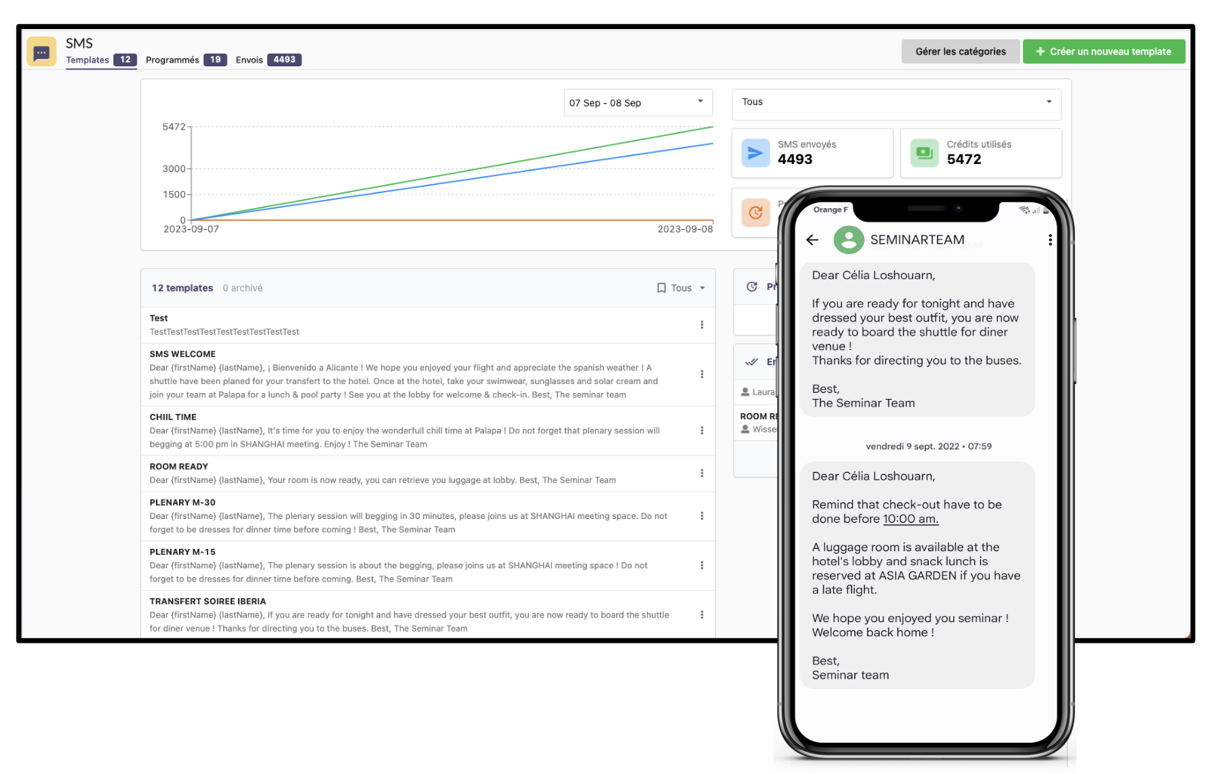
Notifications (in-app and SMS)

Unlimited Communication & "Zero Cost"

The impact of a text message, the richness of the web, and free of charge to boot.

The direct, unlimited, and free communication channel to keep your participants informed, manage unexpected events, and set the pace for your event without blowing your SMS budget.

SMS campaigns are expensive, limited in characters, and often impersonal. With AppCraft, send as many notifications as you want at no extra cost. Enrich your messages with emojis or links redirecting to pages within the app (e.g., "The buffet is open, click to see the menu"). You maximize the impact of your communication while staying within your logistics budget.

Learn how to replace SMS with AppCraft notifications

Automation & Dynamic Reminders

Set up a single rule, and the system handles thousands of personalized mailings.

This is the feature that will save you hours of setup time. Instead of manually scheduling 50 reminders for 50 workshops, simply set up a single "Global Rule" (e.g., "Alert 10 minutes before start"). The app analyzes each attendee's personalized agenda and triggers the notification at the exact moment they need it. Your rooms fill up on time—without you lifting a finger.

Request a demo of automated reminders

The power of behavioral targeting

Stop spamming: send the right message to the right segment of participants

Avoid the "spam" effect that causes users to disable notifications. Our tool allows for detailed segmentation: send logistics information only to "Staff," remind only "VIPs" about the gala dinner, or notify only "Workshop A registrants" about a room change. Each participant receives information that is relevant to them personally, dramatically increasing the read rate.

Target your messages by attendee profile

Real-Time Responsiveness

A change of room? A delay? Let everyone know in a second.

The unexpected is just part of running events. With AppCraft, you're never caught off guard. From your back office (or even your admin smartphone), send an instant alert to notify attendees of a schedule change. The notification lands immediately on their devices, ensuring smooth logistics even in high-pressure situations. It’s your ultimate peace of mind.

Handle the unexpected in real time with AppCraft
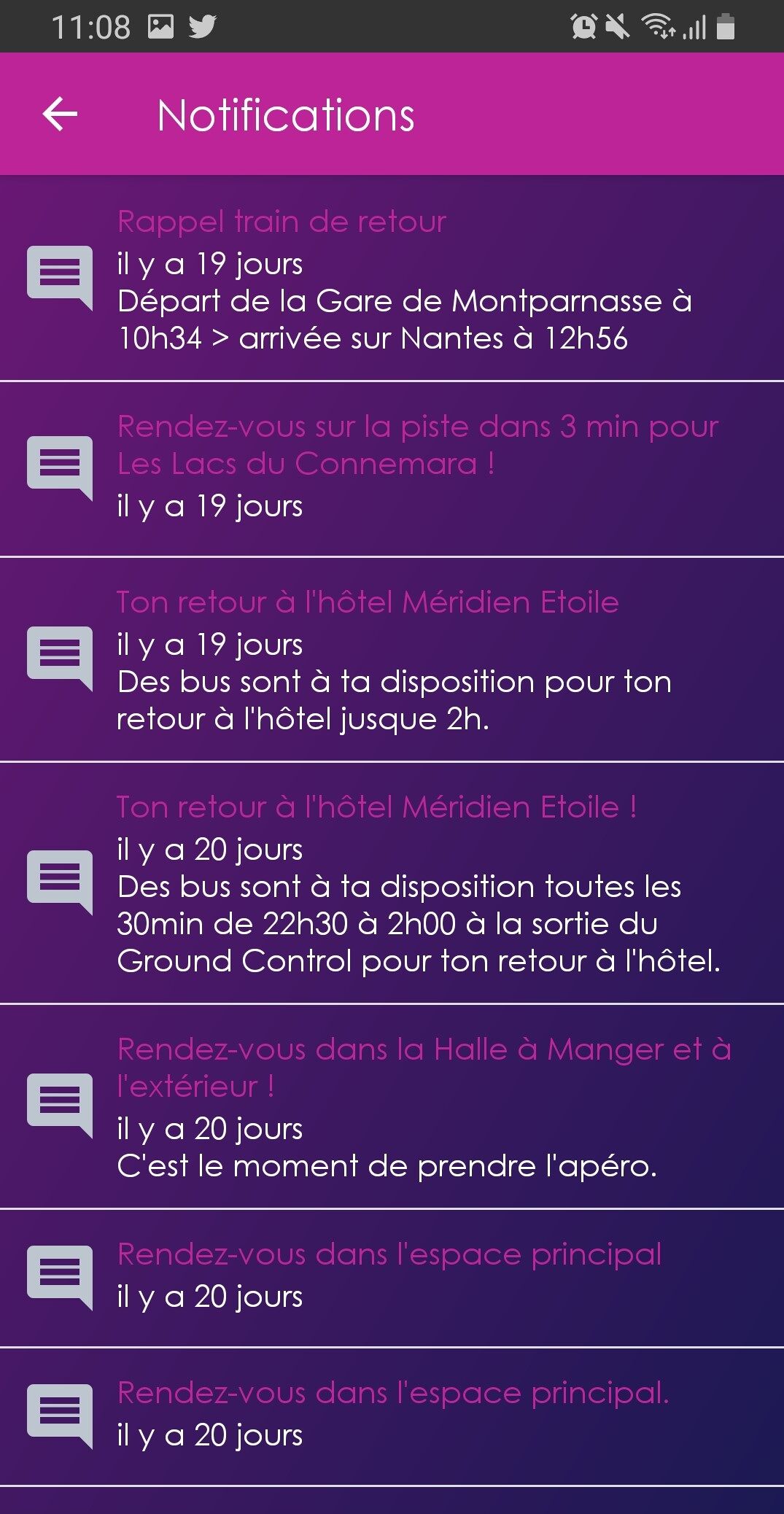
Event notifications dashboard. The screen shows several reminder and meeting messages sent by the app (train, bus, hotel, activities)

Integrated Notification Center

Information is never lost thanks to the personal Inbox.

A notification read in a hurry is quickly forgotten. To overcome this problem, AppCraft integrates a real inbox into the participant application. All messages received are archived chronologically. Participants can thus find a Wi-Fi code sent in the morning, practical information, or a schedule change at any time, even if they have deleted the initial notification from their home screen.

Centralize all your event communications
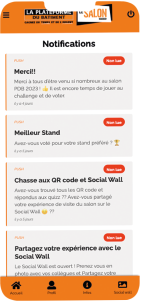
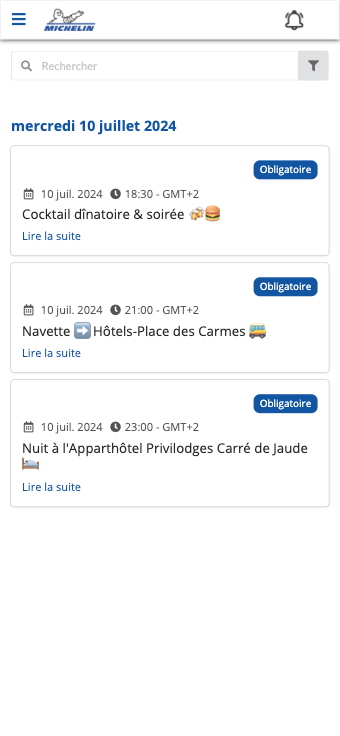
AppCraft mobile interface showing event notifications sent to attendees before and during the event.

FAQ: How Can You Communicate Effectively with Participants Using Event Notifications?

How do you choose a notification solution for a business event?

The choice of an event notification solution depends on the number of participants, their profiles, and the information to be communicated before and during the event.

For a conference or seminar, choose a tool that allows you to schedule reminders, target different groups, and send alerts in case of unforeseen circumstances.

AppCraft combines push notifications, targeted communications, and attendee data within a single platform. This allows organizers to tailor their messages to the program and the needs of each guest.

What is the difference between a push notification and an event-based text message?

A push notification is sent from an event app. It is used, among other things, to send reminders, practical information, and links to event content. However, whether a user receives it depends on their notification permissions and the device's technical specifications.

A text message is sent directly to a phone number and does not require a dedicated app, but its cost generally depends on the volume of messages sent.

AppCraft offers push notifications at no additional cost, as well as SMS communication options. The choice of channel depends on the urgency of the message and the recipient's circumstances.

How can I automate reminders for conferences and workshops without having to program each notification individually?

For an event with many sessions, manually scheduling each reminder can quickly become time-consuming.

AppCraft allows you to set a general notification rule, such as ten minutes before the start of an activity. The platform then uses participants' personalized schedules to trigger reminders for the sessions they are registered for.

This automation is particularly useful for conferences, seminars, and conventions that feature multiple concurrent sessions or workshops. It eliminates the need to configure each message individually while tailoring reminders to participants’ schedules.

How can I send personalized notifications based on participants' profiles and actions?

To avoid sending the same information to all participants, it is recommended that you segment your communications based on profiles, registrations, and actions taken during the event.

AppCraft allows you to set targeting criteria so that, for example, you can send a room change notification only to the relevant registrants, a dinner reminder to VIPs, or logistical information to the organizing teams.

Notifications can also be linked to specific stages of the participant's journey. For example, a welcome message can be triggered after a check-in.

This customization makes it possible to convey relevant information without sending a flood of unnecessary messages.

What are the limitations of push notifications, and how can we avoid overwhelming participants?

Push notifications facilitate real-time communication, but their effectiveness depends, among other things, on the Internet connection, the permissions granted by users, and the frequency of notifications.

To avoid information overload, focus on information that is truly useful and tailor your messages to the participants' profiles. Reserve general alerts for information that is important to the entire audience.

With AppCraft, organizers can segment their communications and schedule personalized reminders. Messages are also stored in an in-app inbox, allowing participants to find information even after they’ve closed the notification.

Ready to save time on your next events?

Join the 1,500+ event planners already running their B2B events with AppCraft.

Free personalized demo · Reply within 24 hours