
Registrations Sheet 19 / 68
Paid registration
Manage paid registration via credit card or bank transfer, track orders in the back office, and offer secure payment with customizable billing.
Quote line: Paid registration
Example of paid registration visual
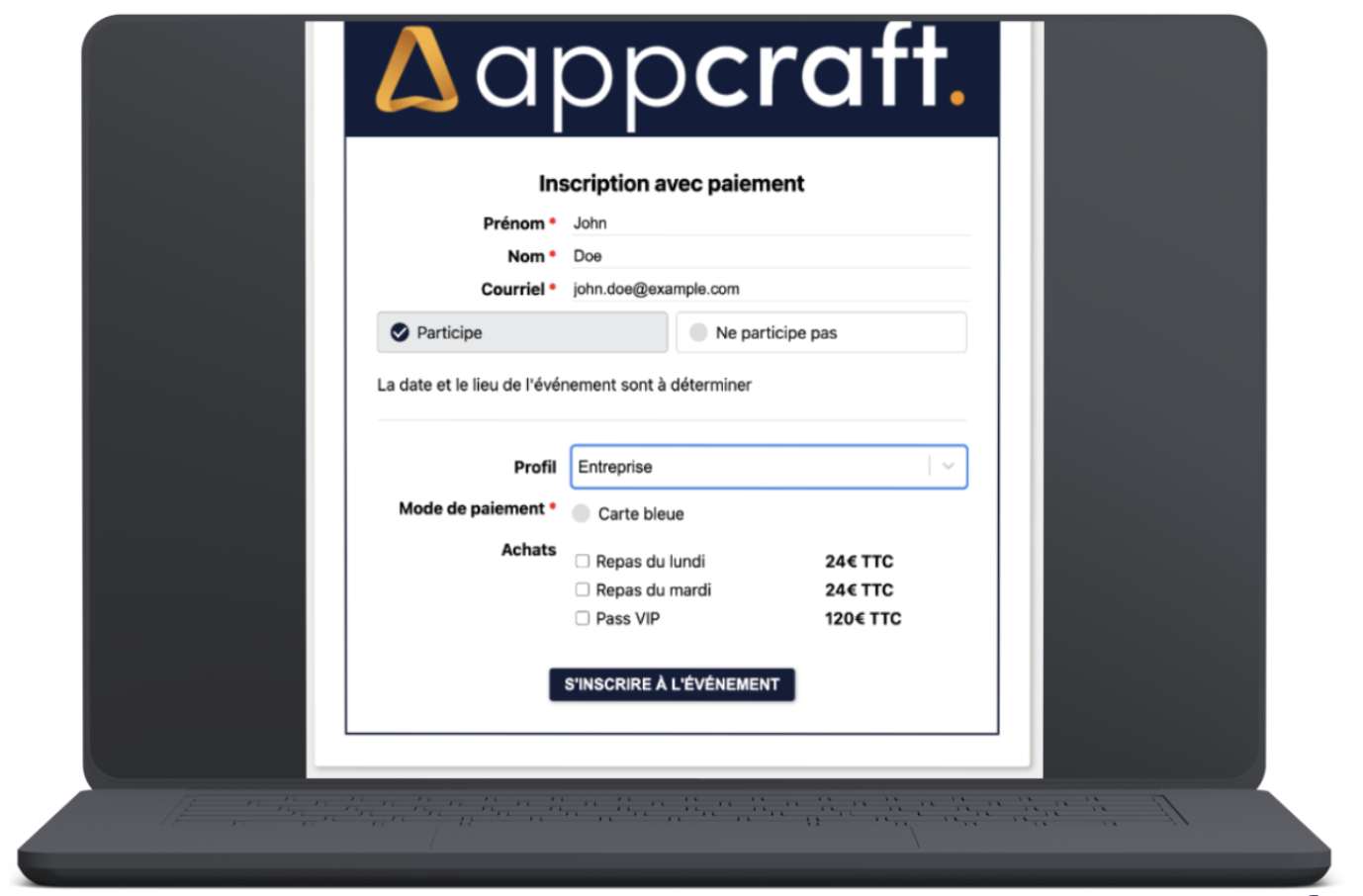
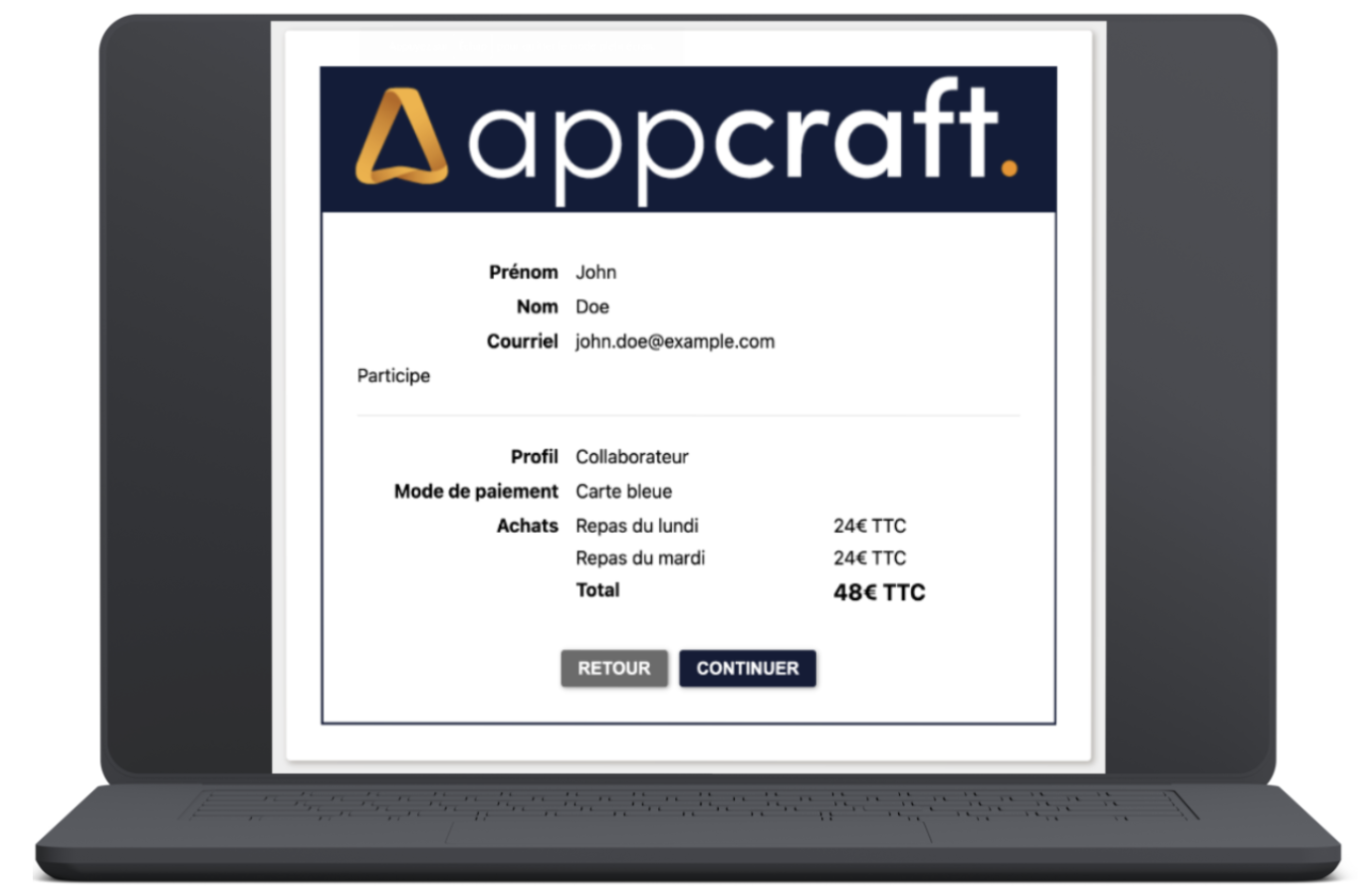
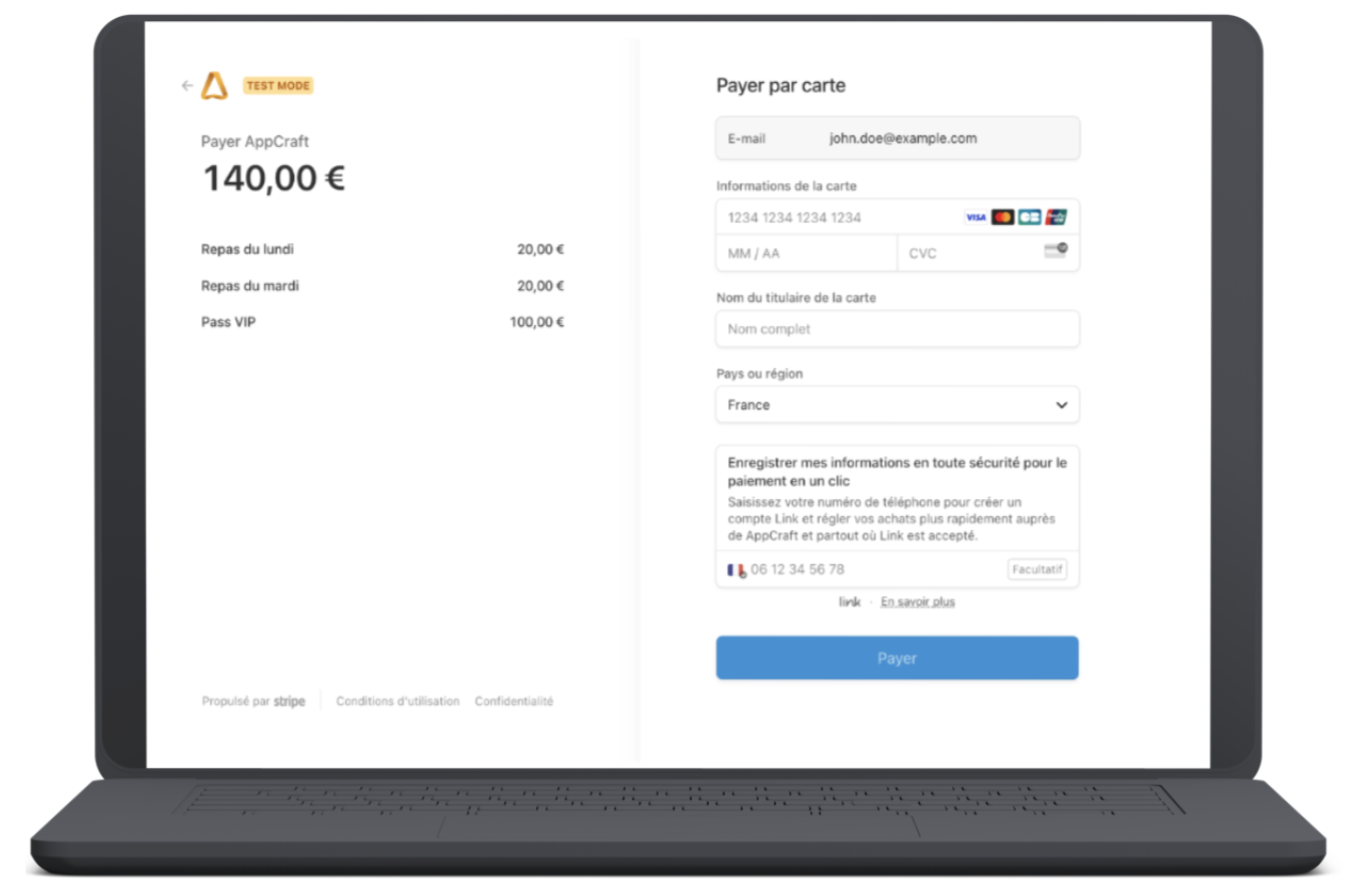
Full description of the paid registration
Payment handling within the registration form.
- Option to define products
- No quota management
- No quantity management (1 checkbox per product)
- Products displayed based on conditions on the attendee
- Summary page showing the form information, the products selected and the total order price
- One-time payment by card or bank transfer (the main guest cannot pay for their companion)
If paying by card:
- Payment is made through the client's own third-party solution connected to AppCraft (Stripe)
- The money does not pass through AppCraft
- Invoice can be generated with an editor in the format you want
- Choice of logo and legal information
- Invoice number settings
- No refund management (possible directly through Stripe)
If paying by bank transfer:
- A message with the bank details for payment appears in the form and on the invoice
- Order pending in the back office
- Manual validation by the back-office administrator
- Dedicated back-office screen for order tracking
- Option to validate payments manually when they are made by bank transfer